Create Your Handbag
Choose a Jacquemus model, pick a fabric texture (preset or upload), generate the new material, then try it on with a full-body image.
Step 1 of 4
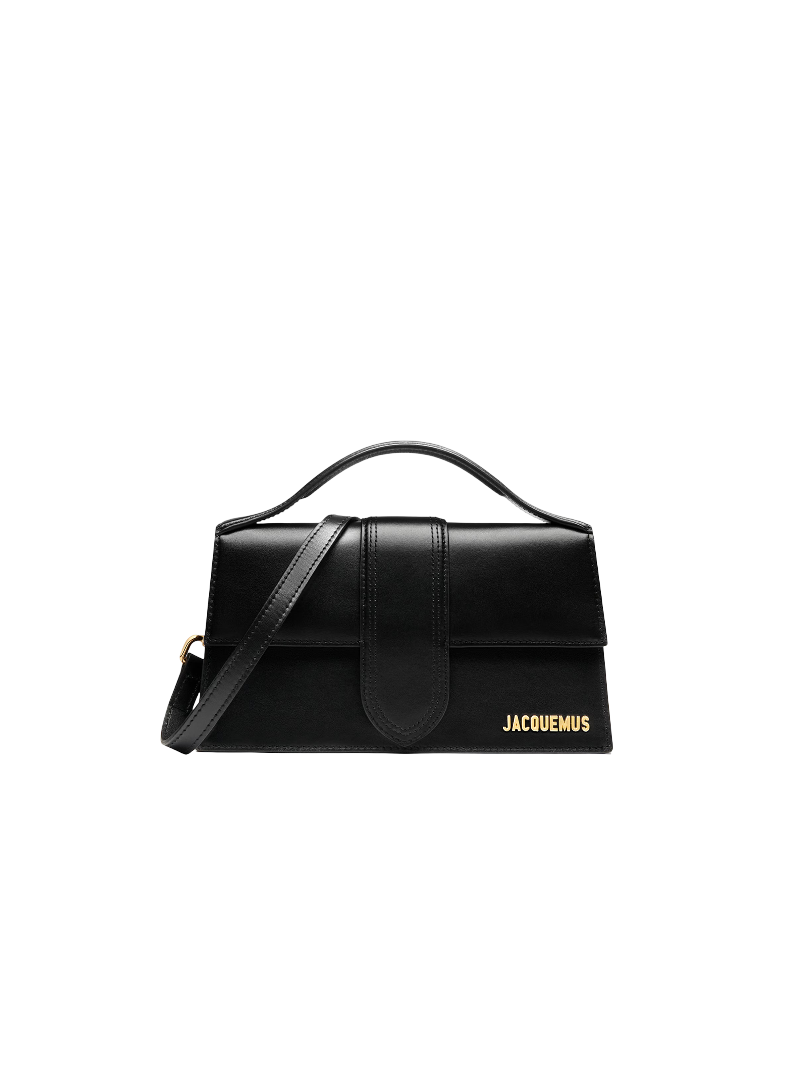
Select a Jacquemus model
Pick the base bag model. We keep the shape consistent and only change the material.
Selected: The Large Bambino (Black)
Base bag
Choose a fabric texture
Pick one of the curated textures or upload your own. Both do the same thing: they become the fabric used to wrap the bag.
Or upload your own fabric
Bag
Fabric
No fabric yet
Selected bag
Your generated bag
Download it, save it, share it, or move forward to try-on.
Result preview
Tip: On mobile, Share often shows Instagram. If not, Download then upload in Instagram manually.
Open Instagram
Try it on
Upload a full-body photo. Prompt used: “make the woman hold the bag”.
Try-on preview
Tip: If Share doesn’t show Instagram, hit Download and upload it inside Instagram.
Open Instagram
Saved Designs
Saved on this device. You can download, share, or delete them.
No saved designs yet.